KAISON Team
A useful maintenance checklist tells your team what to inspect, who is responsible, and when to call a service technician. Use this guide to organize routine observations and maintenance records, then follow the schedule and procedures supplied with your machine.
Build your commercial ice machine preventive maintenance checklist
A useful checklist names the machine, owner, and approval path.
Record this first.
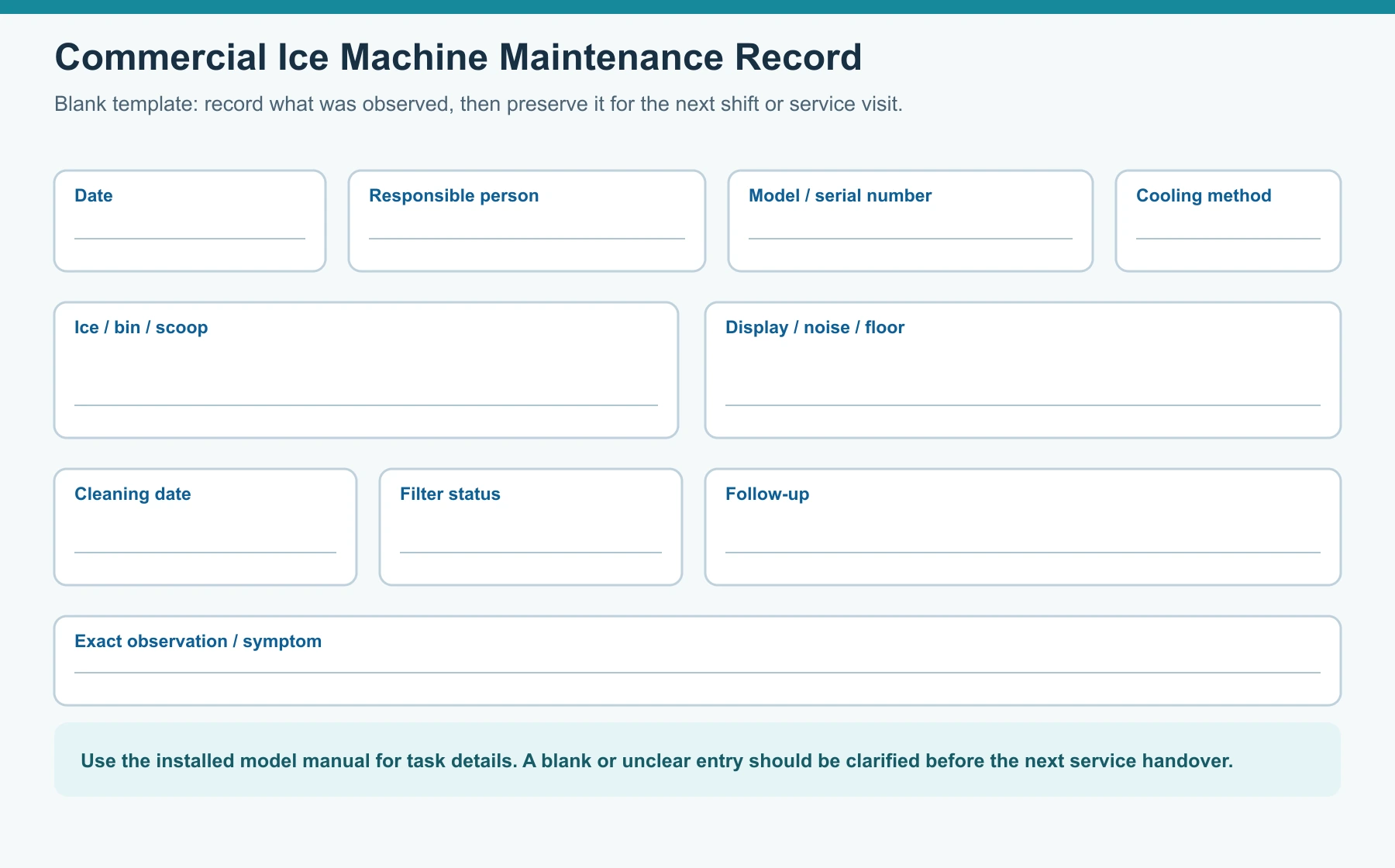
A manager should capture the model, serial number, ice type, cooling method, bin arrangement, manual revision, installation location, and responsible shift before assigning a task or accepting a completed record.
This is not paperwork for its own sake. A commercial ice maker can have different access points, airflow needs, cleaning controls, and water connections even when two cabinets look similar from the front. The checker should know the unit, downtime approval, and manual location.
Use one record for one machine. A multi-site operator can use the same headings across a restaurant ice maker program or a hotel ice machine fleet, but the task details must still follow the installed model.
The header that prevents vague service calls
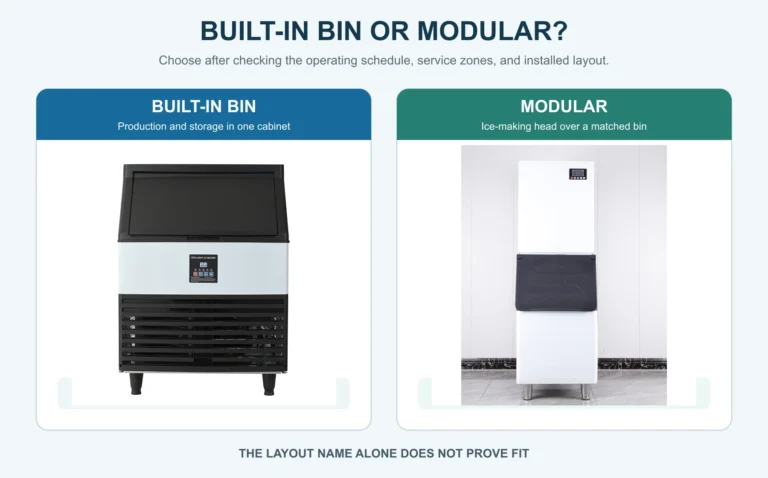
List the model, serial number, site contact, ice type, cooling method, and bin style. Add the installation date if the site has it. Note whether the machine is air-cooled, water-cooled, built-in-bin, or paired with a separate bin.
That header lets a technician compare a symptom with the correct manual and wiring or plumbing arrangement. It also stops a manager from copying a maintenance instruction from a different ice type onto the unit in front of them.
Daily checks that keep staff inside a safe boundary
Daily checks catch visible changes before they interrupt service.
Keep it visual.
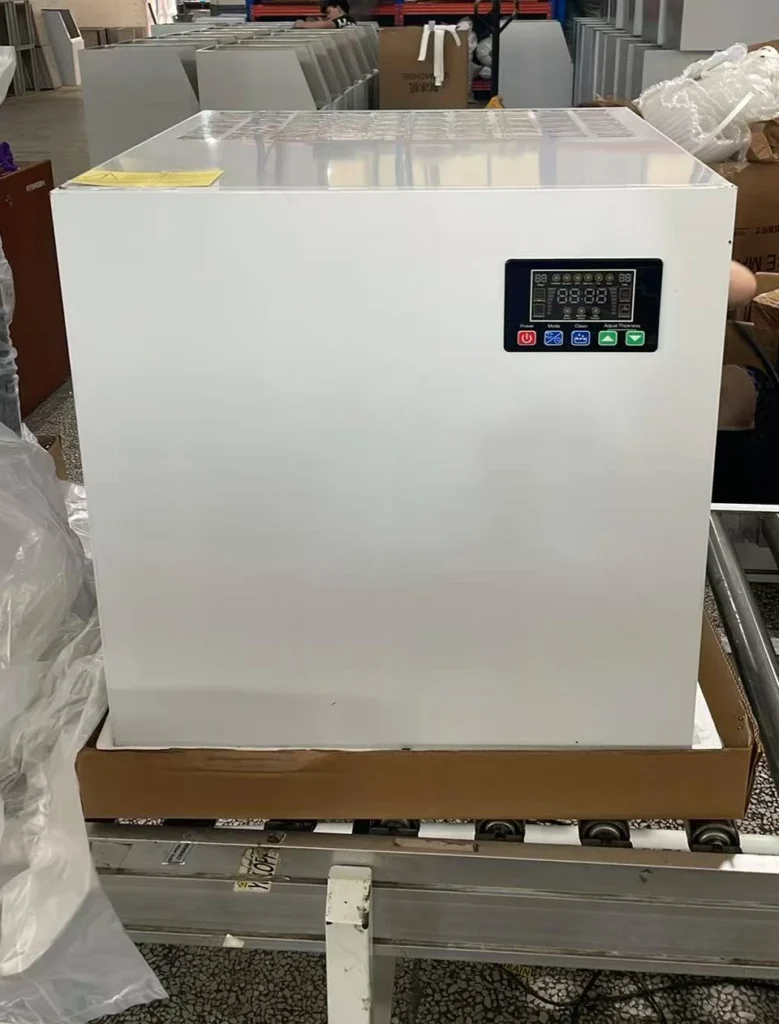
At the beginning or end of each operating day, look at ice appearance, bin condition, scoop storage, visible water around the cabinet, the control display, and the space around accessible vents.
The daily check should not require opening electrical panels, adjusting refrigeration controls, or dismantling water circuits. Record an unusual odor, changed ice shape, a repeating display message, a new noise, water on the floor, or a bin that does not look clean.
Use the scoop and bin as food-contact work areas. The U.S. FDA describes ice as a food and links safe ice to sanitary water and properly cleaned equipment in its Food Code guidance. Local rules control your site, but a clean scoop stored outside the ice and a closed bin are sensible operating checks anywhere.
What staff should record each day
Write the date, initials, ice appearance, visible leak status, display status, scoop condition, bin condition, and any follow-up needed. Avoid entries such as “OK” when a real observation can be written. “Dry floor, normal cube release, no display alert” gives a service partner more value than a tick without context.
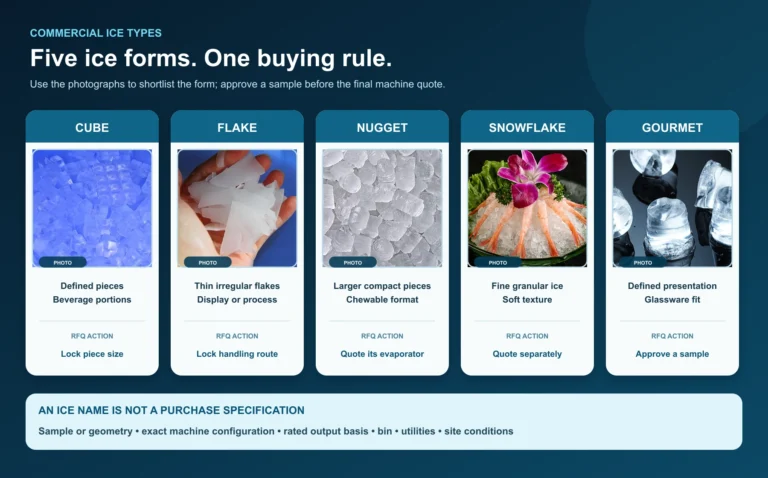
For a cube ice machine, record whether cubes are releasing normally and whether the bin has visible debris. For a flake ice machine or snowflake ice machine, describe the ice condition without assuming that a change has one universal cause.
Monthly review turns observations into a reliable maintenance record
Monthly review turns observations into a reliable maintenance record.
Compare the record with the model manual.
Each month, compare the site log with the supplied manual, verify the scheduled cleaning date, look for drain residue, inspect accessible inlet hardware, and confirm that service access remains clear for the next visit.
For KAISON cube-ice models supplied with the general instruction manual, water supply is specified at 0.1-0.5 MPa and ordinary filter elements are mostly replaced every six months. Use the documentation supplied with your model, filter system, cooling method, and market configuration to confirm the applicable requirement.
The monthly review is the right time to compare the filter date against the record, inspect the surrounding area, and confirm that the water and drain path remain visible.
Use the unit’s visible access points accurately
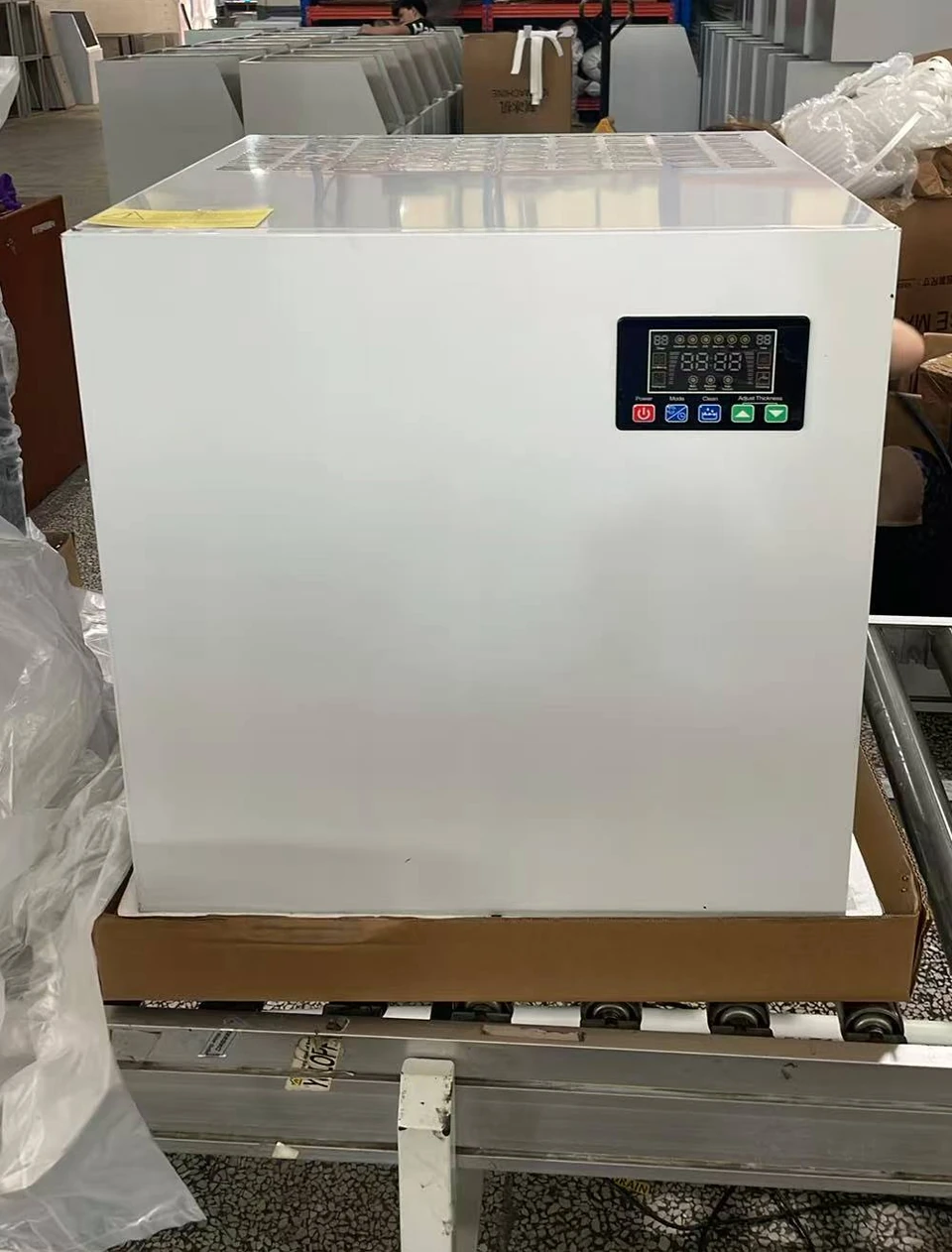
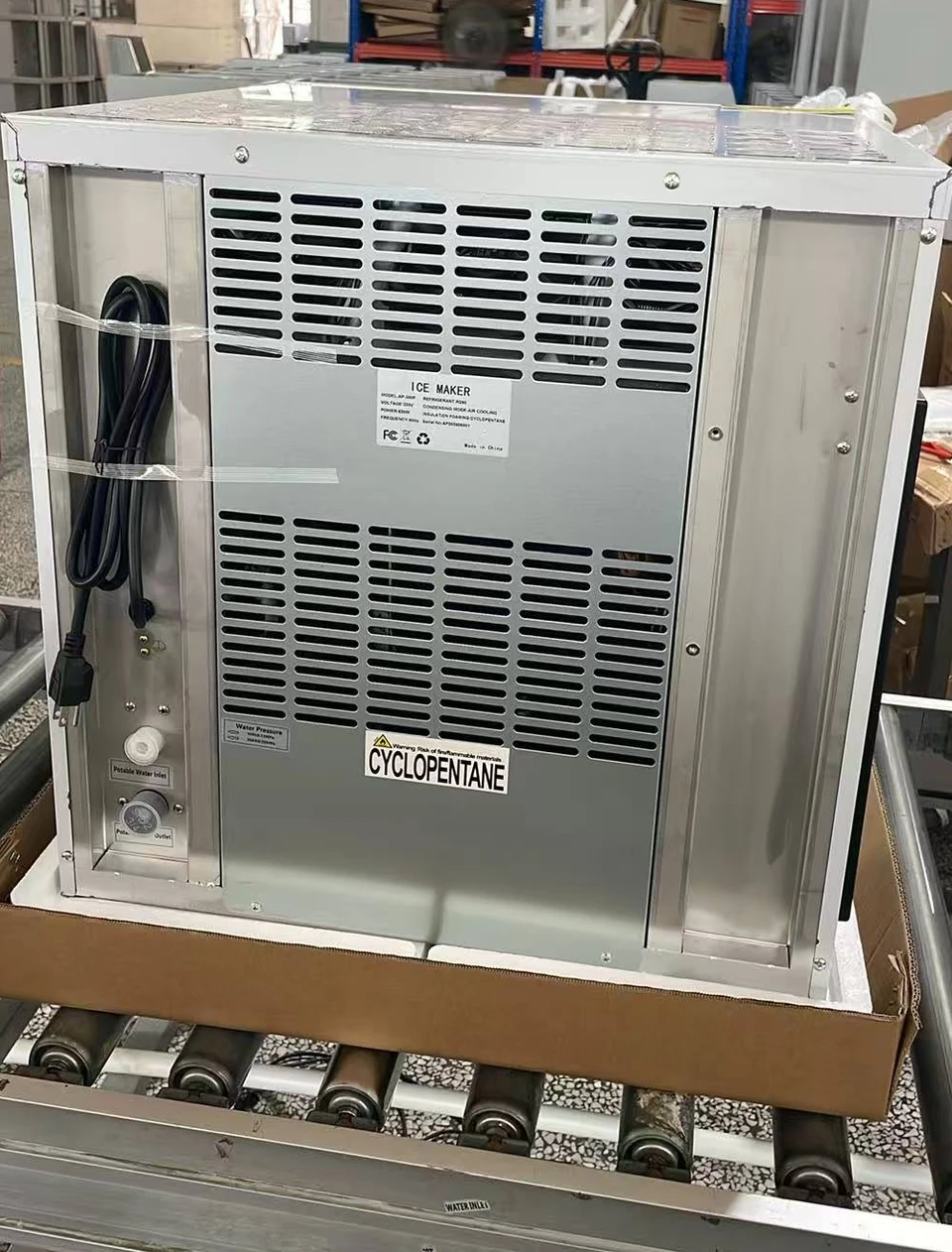
Use the AP-300P photo to locate the labelled potable-water point on that photographed model. Confirm the location, fitting, and maintenance sequence in the installed unit’s manual.
That manual says to inspect filter elements regularly and follow the relevant instruction for advanced elements. Record the element type, installation date, change date, site observation, and responsible person.
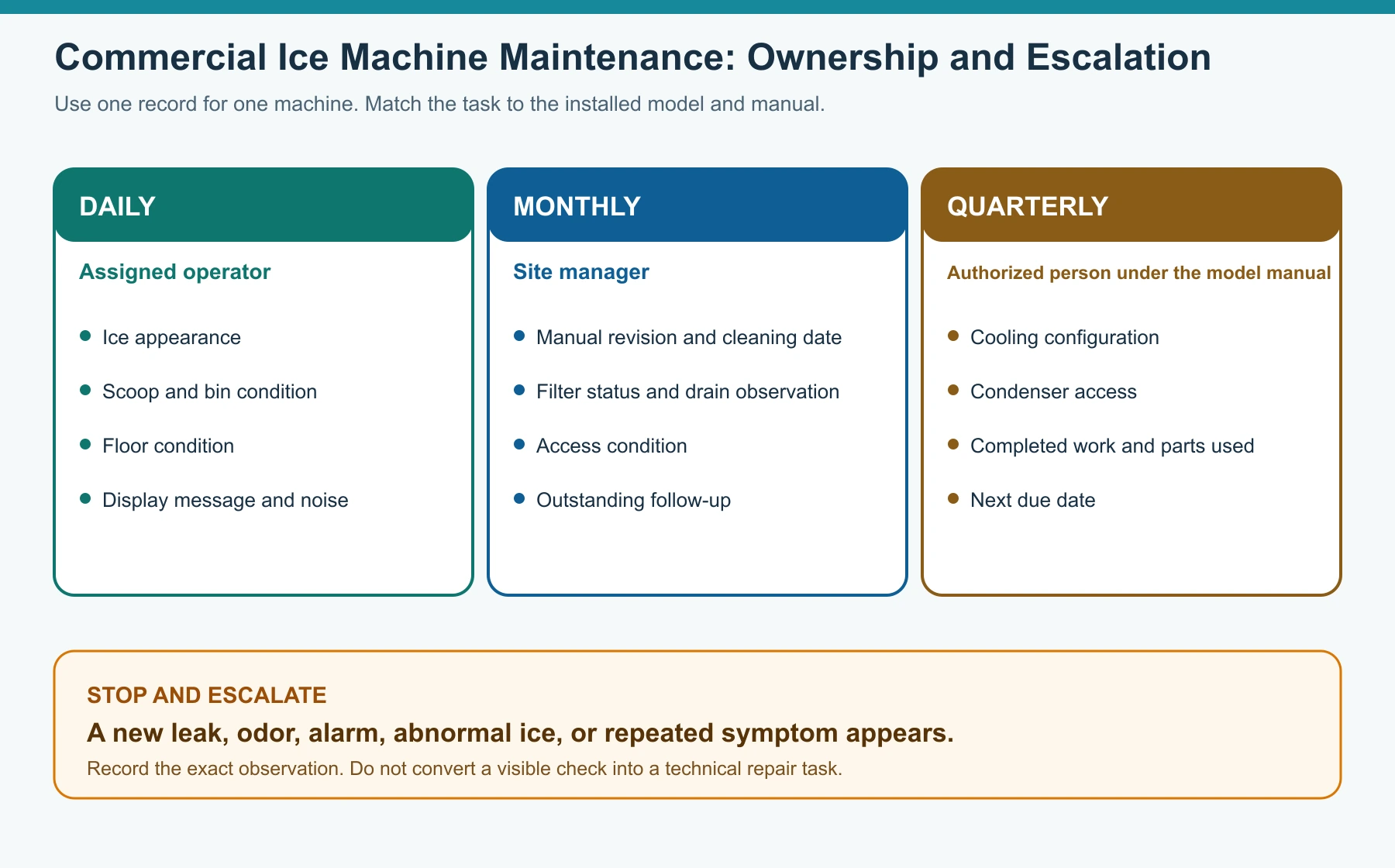
| Frequency | Owner | Record fields | Stop and escalate when |
|---|---|---|---|
| Daily | Assigned operator | Ice appearance, scoop and bin condition, floor condition, display message, noise | A new leak, odor, alarm, abnormal ice, or repeated symptom appears |
| Monthly | Site manager | Manual revision, cleaning date, filter status, drain observation, access condition, outstanding follow-up | The task needs a panel opened, a setting changed, or a non-routine part removed |
| Quarterly | Authorized person under the model manual | Cooling configuration, condenser access, completed work, parts used, next due date | The unit has a repeated fault, poor production, a blocked waterway, or an untraced leak |
| Six-month reference | Site manager | Ordinary-filter date for covered manual configurations | The fitted element or manual states a different requirement |
Quarterly work changes with cooling system and cabinet configuration
Quarterly work changes with cooling system and cabinet configuration.
Match the task to the hardware.
For cube-ice models supplied with that manual, air-cooled condenser cleaning is scheduled every three months with a soft brush or brush vacuum.
Brush along the fins to avoid damage.
Follow the manual for the installed configuration. Keep an air-cooled cabinet’s vent and condenser access clear. A water-cooled or separate-bin configuration requires its own documented arrangement.
The AP-300P rear view is specific to the photographed model. Confirm pipe size, thread compatibility, drain route, and maintenance interval in the manual for the installed unit.
Before scheduled work, confirm whether the record covers the correct cabinet, cooling method, condenser access point, bin, drain route, and manual, then assign the action only to an authorized person following that procedure.
Cooling and storage change the questions
For air-cooled units, record whether the external air path remains clear before planned condenser work. For water-cooled units, record the cooling configuration and site plumbing information. For a 200kg commercial cube ice machine AP-300P, use the supplied product documentation when confirming configuration.
For larger or different ice formats, the maintenance file should name the actual unit. A 200kg commercial flake ice machine KP-200 and a 100kg commercial snowflake ice machine KL-100 should not inherit a cube-machine cleaning sequence merely because their sites share a manager.
The record makes a service visit faster and clearer
The record makes a service visit faster and clearer.
Keep the evidence together.
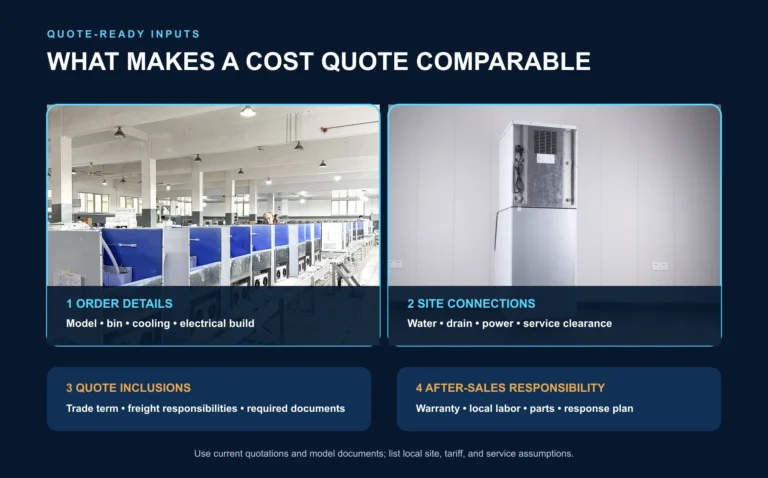
Before requesting help, collect the model, serial number, cabinet photos, control-display photo, cooling type, water source, drain observation, filter date, cleaning date, and the exact symptom.
When a distributor or technical-support contact receives this record, they can begin with the correct configuration instead of asking a busy kitchen team to reconstruct last month’s events from memory. A useful record also shows whether the symptom appeared once, returned after cleaning, or started after a change to the water, layout, or operating environment.
Attach only photos operators can take safely, such as labels, accessible inlets, bins, vents, and floor conditions. Do not remove guards, energize a machine for a test, or expose electrical or refrigeration components for a photograph.
The handover note should be specific
Use one short description of the symptom, one start date, and one operational consequence. “Water pooling below the right side after the last cleaning cycle” is better than “machine problem.” If production has changed, record what the site observed and leave capacity analysis to the service professional.
The note should state whether the equipment must stay running for service and whether the site has backup ice. It helps the distributor or service partner plan a response and helps a buyer decide whether a 60kg commercial cube ice machine KX-55 or another capacity class is relevant to a replacement discussion.
For a supplier review, keep the maintenance record with the equipment documentation and the manufacturer’s quality-control information. This gives a buyer a clearer basis for discussing support expectations and replacement planning.
Know when the checklist ends and qualified service begins
Know when the checklist ends and qualified service begins.
Stop before technical work starts.
Use a qualified technician when a fault repeats, an internal leak cannot be traced safely, the waterway is blocked, or serious scale is reported.
When an alarm, an untraced leak, or a repeated fault appears, preserve the record, stop at the manual’s approved operator boundary, and ask qualified service to diagnose the internal cause.
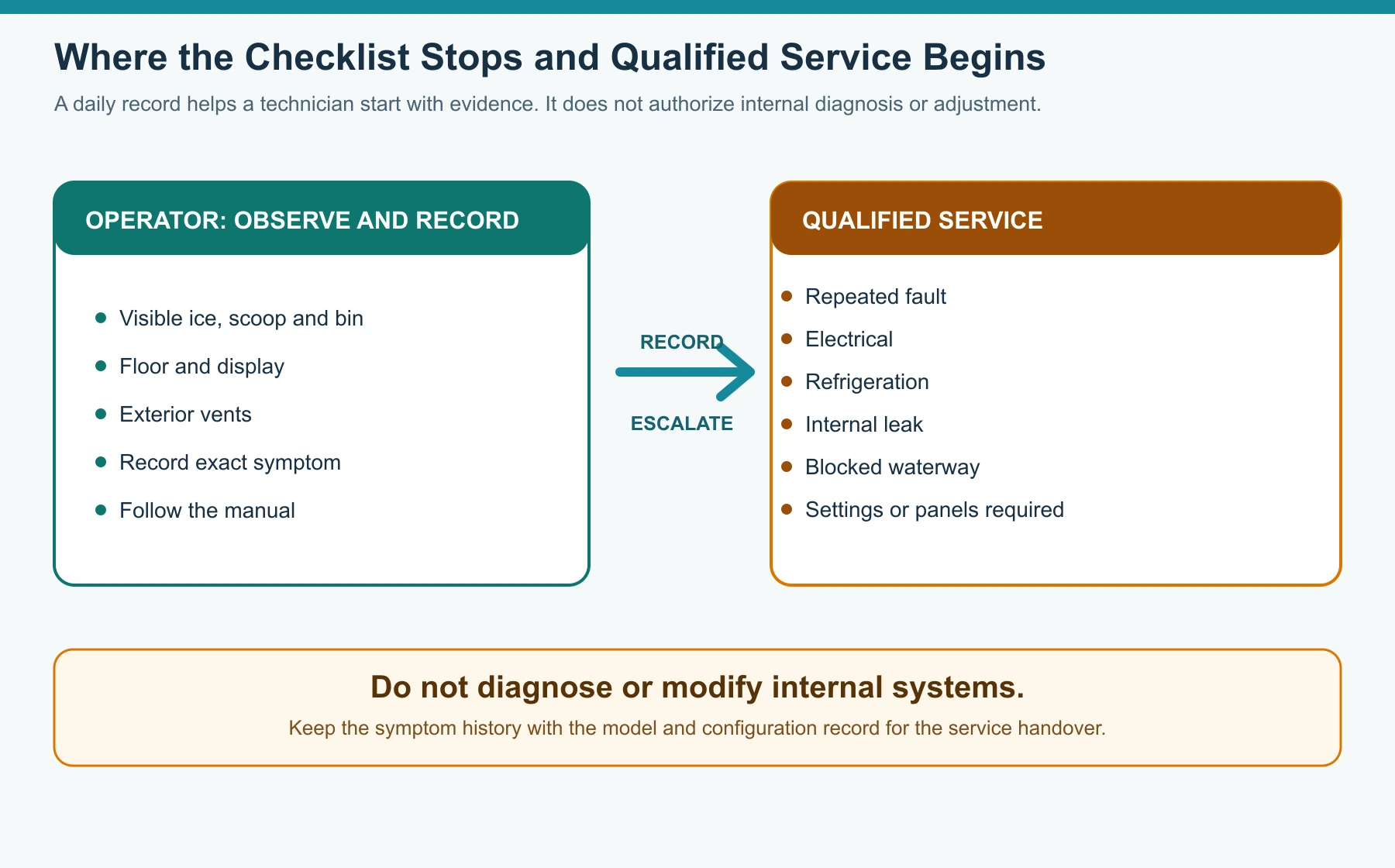
The supplied manual instructs users to disconnect power before maintenance and cleaning, and to contact the manufacturer or qualified professionals for troubleshooting. It also warns that condenser fins can be sharp. A responsible schedule keeps refrigeration work with qualified personnel.
Use cleaning products, control settings, water-safety devices, and electrical wiring only as specified in the exact model procedure and by qualified personnel. A technician can decide whether a visible symptom needs cleaning, a replacement part, a plumbing correction, or a sealed-system diagnosis.
This boundary keeps operator checks safe, preserves the symptom history, and directs work involving energized, pressurized, or inaccessible components to qualified personnel for documented action.
Preserve the information that decides the next step
Send the model, serial number, date, symptom, photos, log, water source, cooling method, and recent work history. If the issue followed a filter replacement or cleaning cycle, state that clearly. The service response can then begin with facts instead of a generic troubleshooting list.
Use the checklist when choosing a replacement configuration
Use the checklist when choosing a replacement configuration.
Maintenance history informs the next purchase.
If a site repeatedly struggles to keep air paths clear, drain water, or service access available, review the installation conditions before ordering a replacement. A maintenance record can show whether the next unit needs a different product configuration, a more suitable cooling method, a different bin arrangement, or a revised site plan.
Do not treat maintenance difficulty as proof that one cooling method fits every site. Compare integrated-bin and separate-bin options against the actual floor plan, service access, water source, drainage route, ice demand, voltage, and operating environment. Review the manufacturer’s OEM and ODM capabilities when discussing supplier support. The record gives an engineer or distributor the input needed to make that comparison responsibly.
A replacement conversation should combine the service record with required ice volume, peak periods, available utilities, space, ventilation, drainage, safety access, and desired ice format before a supplier suggests a configuration for the site.
- Daily Report: record ice condition, bin and scoop hygiene, visible water, display messages, and unusual noise before staff leave the shift.
- For cube-ice models covered by the supplied general instruction manual, clean the air-cooled condenser every 3 months with a soft brush or brush vacuum.
- For covered ordinary filter elements, the supplied manual uses a 6-month reference, while advanced elements follow their own instructions.
- Service Report: model, serial number, cooling method, filter date, and photos make a request more useful than a generic fault description.
- Electrical, refrigeration, repeated-fault, internal-leak, and blocked-waterway work belongs with qualified service personnel.
Frequently asked questions about commercial ice machine maintenance
These answers keep the schedule useful across commercial sites.
Use the installed manual first.
The right interval depends on the exact model, cooling configuration, water condition, filter system, installation environment, and local operating requirements, so a generic checklist should organize decisions without replacing the supplied instructions.
How often should a commercial ice machine be maintained?
Use daily observation, a monthly record review, and model-matched planned maintenance. Exact timing for cleaning, filters, condensers, and technical service comes from the installed unit’s manual. For those cube-ice models, ordinary filter elements are mostly replaced every six months and air-cooled condenser cleaning is specified every three months. Other models, filters, water conditions, and sites can need a different schedule.
What is the difference between daily checks and professional maintenance?
Daily checks are visible operating observations. Staff can inspect ice appearance, scoop and bin condition, floor condition, alerts, unusual noise, and external vents. Professional work begins with electrical testing, refrigeration diagnosis, internal leaks, repeated fault codes, non-routine disassembly, or a blocked waterway. Daily work identifies change early and records it accurately; it does not make a kitchen operator repair internal systems.
Should the maintenance log include filter changes?
Yes. Record the filter type, installation date, replacement date, responsible person, and observed change in ice or water flow. The log should identify the exact manual and filter instruction because requirements depend on the installed system. For those cube-ice models, the manual gives a six-month reference for ordinary elements and directs users to advanced-element instructions. Do not assume every filter shares that timing.
How should an air-cooled condenser be handled?
First identify that the machine is air-cooled and confirm its exact manual procedure. For those cube-ice models, the manual specifies cleaning the air-cooled condenser every three months with a soft brush or brush vacuum, along the fins. Keep operators inside a safe boundary. If access requires disassembly beyond the manual, fins are damaged, or a fault remains, arrange qualified service.
Do water-cooled ice machines use the same checklist?
They share model identification, clean ice handling, water and drain observation, and a dated record. Their condenser-water arrangement differs from an air-cooled cabinet, so do not copy the air-cooled schedule. Record the cooling method, available water information, drain route, and product documentation. Give those details to the distributor or technician before planned maintenance. Keep the record available before any planned visit.
What should be recorded after a cleaning cycle?
Record the date, responsible person, exact model manual used, approved cleaning product, visible result, filter action, and needed follow-up. Note whether the bin returned to service after the manual’s procedure. If a problem appears after the cycle, describe it precisely and attach safe external photos. Record observed facts and leave internal diagnosis or setting changes to qualified personnel. It also creates a useful handover for the next shift.
When should staff stop and call for service?
Stop when work moves beyond visible checks or the manual’s approved operator procedure. Call for support with an untraced leak, electrical or refrigeration concern, repeated alert, blocked waterway, serious scale, abnormal operation, or a safety concern. Before contacting support, send the model, serial number, cooling type, symptom date, log, and safe external photos. State whether the site has backup ice for service.
Can a maintenance checklist help with a replacement decision?
Yes. A dated log shows whether a problem follows water conditions, restricted service access, a missed filter change, drainage issues, or a mismatch with the operating environment. It gives a supplier useful context for a configuration discussion. Share the model, capacity need, ice type, site plan, utility details, maintenance history, symptom, and planned service access when requesting a model-matched recommendation.
Send the right details for a model-matched plan
Send the right details before requesting maintenance or replacement support.
Start with the record.
Send the model, serial number, ice type, cooling method, bin arrangement, site conditions, completed log, and clear photos of safe external access points through the contact page.
That information supports a model-matched discussion about maintenance documentation, parts, configuration, or replacement planning. It is more useful than a generic request for service, and it preserves the operational history that future staff, distributors, and technicians need.
Buyers who need manufacturer background before that discussion can review the company information.